Back to projects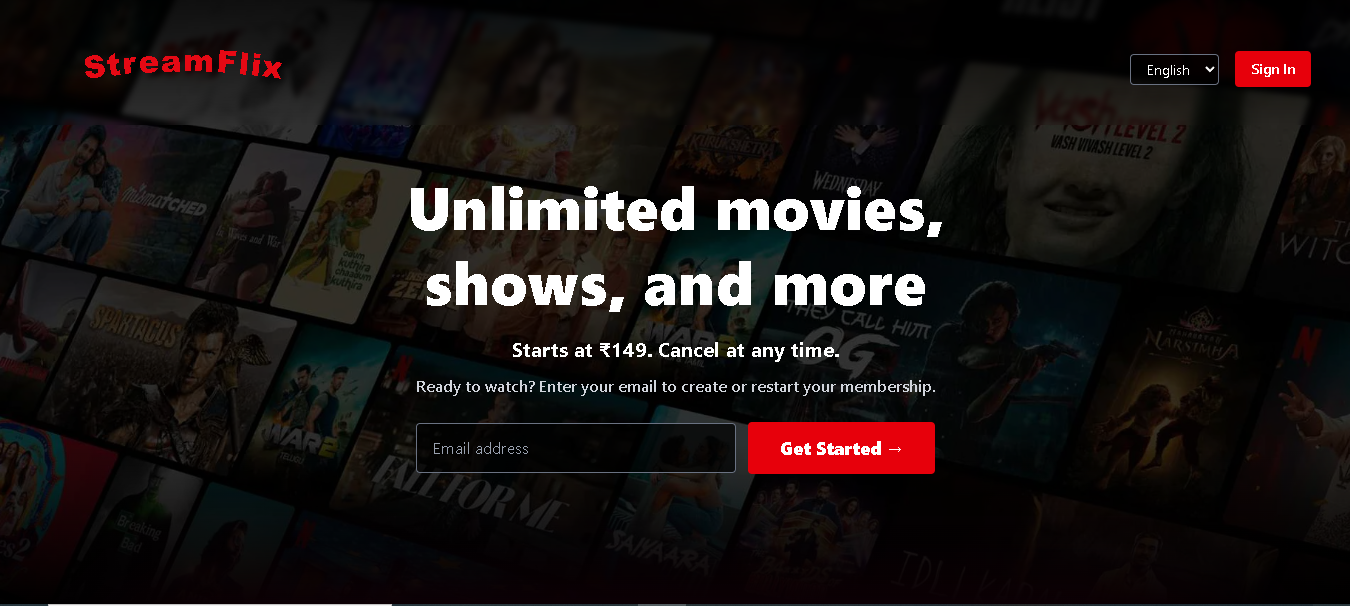
Web Development
StreamFlix – Movie & TV Streaming Platform
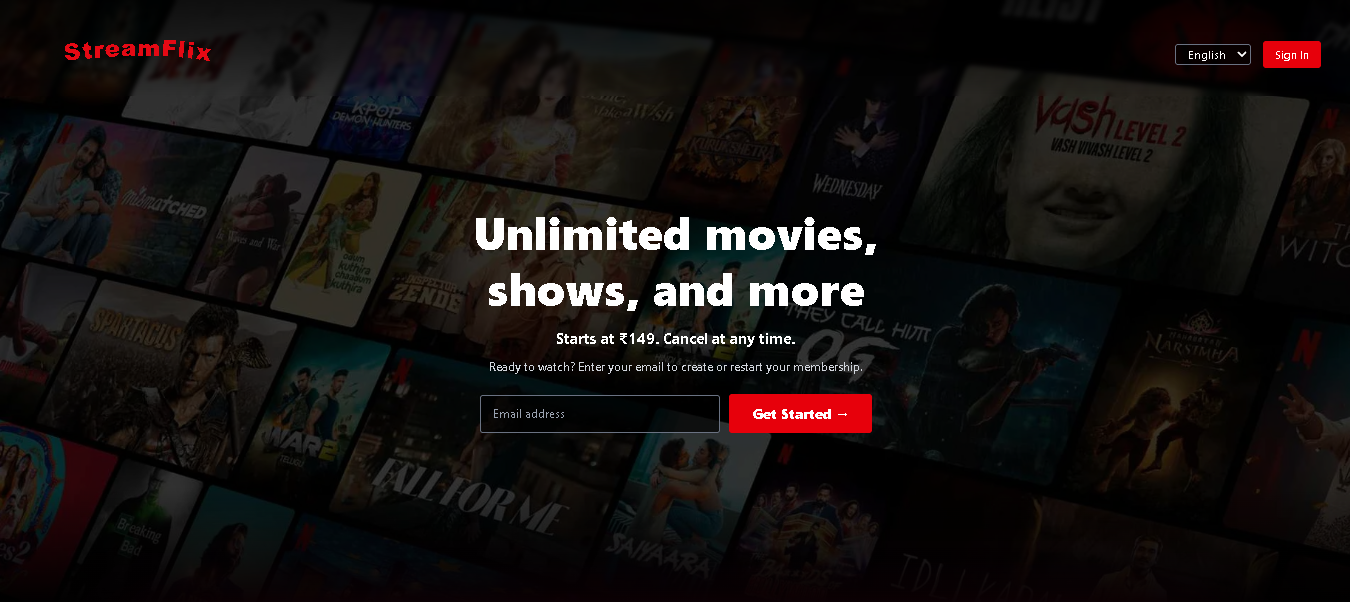
A modern, responsive movie and TV streaming platform featuring user authentication, dynamic movie pages, API-powered content discovery, and a Netflix-inspired interface.
Next.jsReact.jsJavaScriptTailwind CSSMongoDBNextAuth.jsREST APIsHTML5CSS3GitGitHub
Difficulty: AdvancedStatus: Active
Overview
StreamFlix is a full-stack streaming-platform web application inspired by modern OTT platforms. It allows users to explore movies and TV shows through dynamically loaded content, navigate between individual movie and series pages, and access authenticated sections of the application.
Problem Statement
Traditional movie discovery interfaces can be difficult to navigate when content is not properly organized or dynamically presented. Building a modern streaming interface also requires integrating authentication, API-driven content, dynamic routing, and responsive layouts into one application.
Solution
StreamFlix addresses these challenges by providing a centralized movie and TV discovery interface. It uses Next.js for application development, REST APIs for dynamic content retrieval, NextAuth for authentication, MongoDB for database functionality, and Tailwind CSS for responsive styling.
Key Features
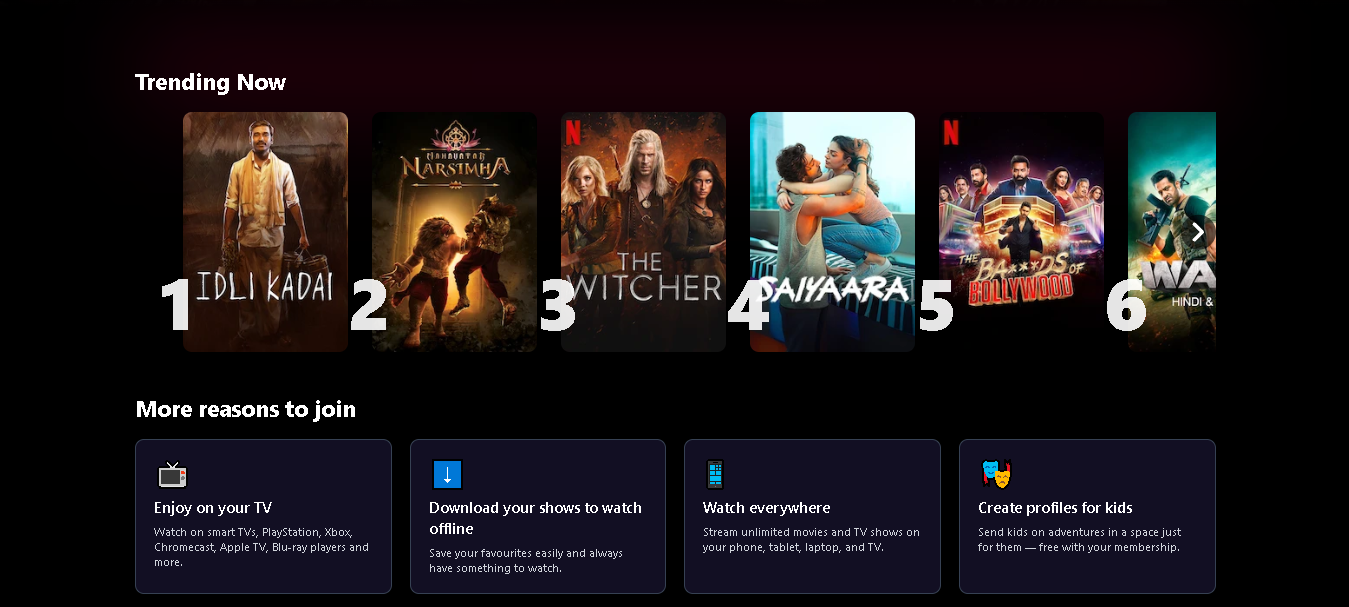
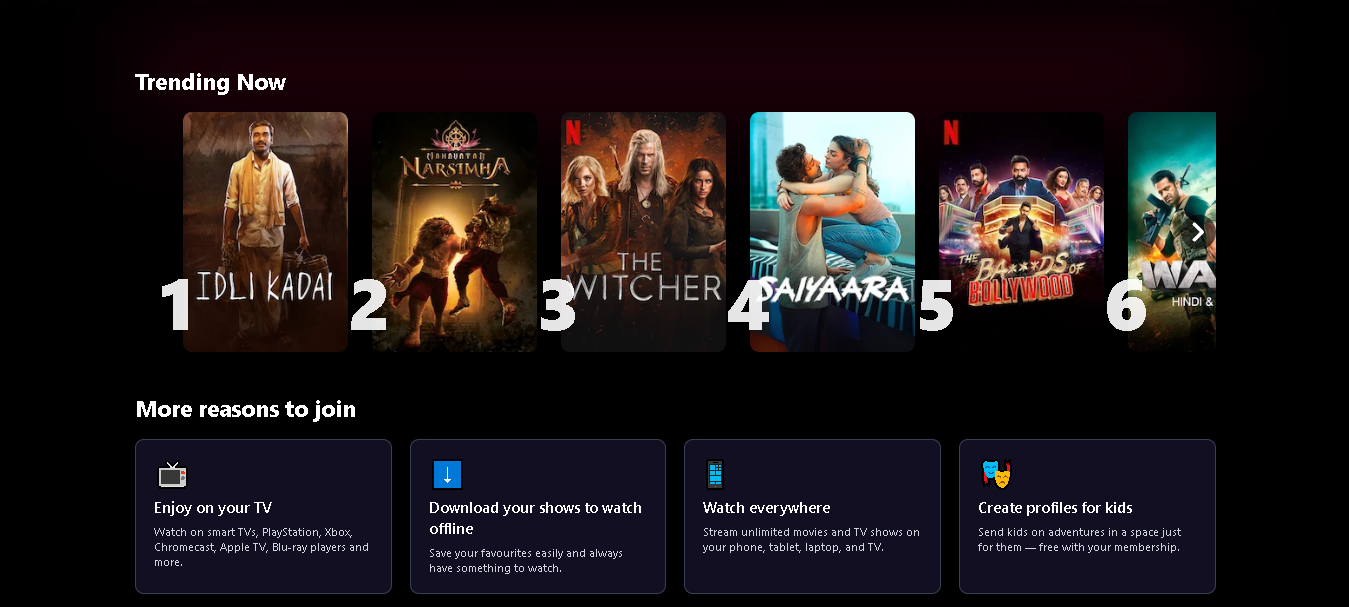
Modern Netflix-inspired user interface
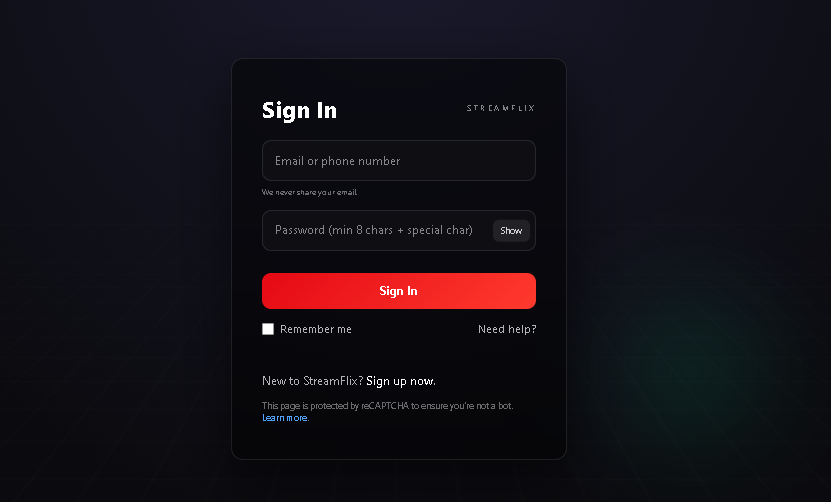
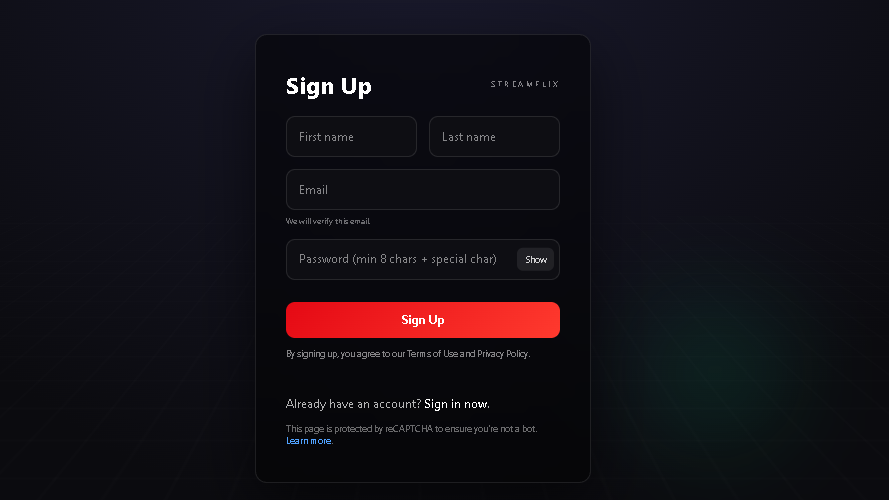
User authentication and login system
Protected routes for authenticated users
Dynamic movie and TV series pages
API-based movie and series data fetching
Dynamic routing for individual content pages
Responsive design for desktop, tablet, and mobile
Reusable React components
Dynamic content rendering
Loading states and error handling
Interactive navigation experience
Full-stack application architecture
Technologies Used
Next.jsReact.jsJavaScriptTailwind CSSMongoDBNextAuth.jsREST APIsHTML5CSS3GitGitHub
Architecture
StreamFlix follows a component-based full-stack architecture built with Next.js.
Frontend Layer: React.js and Next.js handle the user interface, page rendering, navigation, and reusable components.
Styling Layer: Tailwind CSS provides responsive layouts and consistent styling.
Authentication Layer: NextAuth.js manages user authentication and protected routes.
API Layer: REST APIs provide dynamic movie and television series data.
Database Layer: MongoDB supports database-related application functionality.
Routing Layer: Next.js dynamic routing handles individual movie and series pages.
Error Handling: Loading states and error handling improve the overall user experience.
The architecture separates UI components, application logic, authentication, API communication, and database functionality to keep the project modular and maintainable.
Gallery
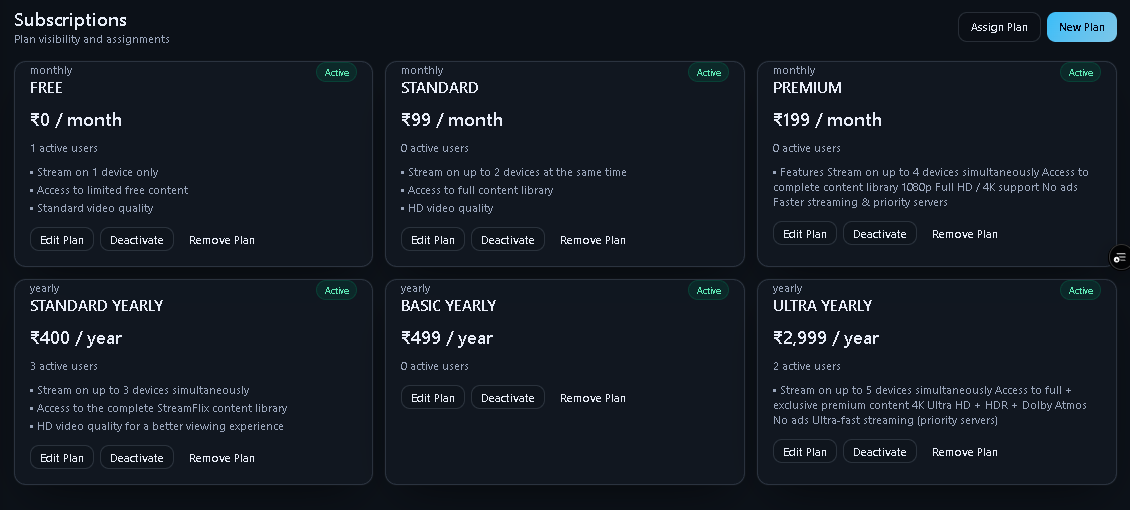
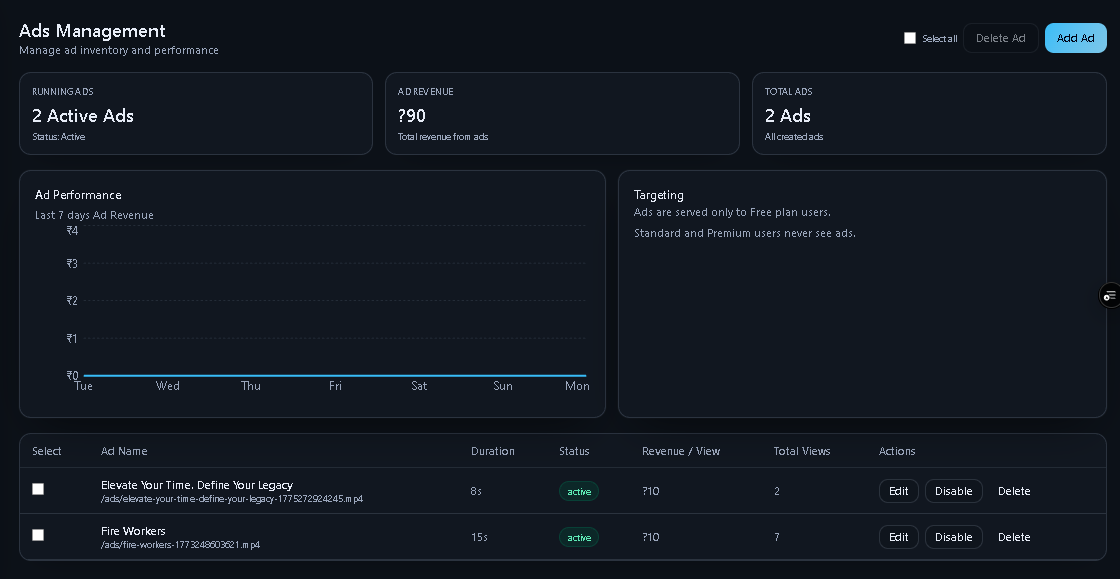
Requirements
- Node.js (LTS version)
- npm or yarn package manager
- MongoDB database
- Next.js compatible environment
- REST API configuration
- NextAuth authentication configuration
- Git
Installation Preview
Clone or download the project repository.Open the project folder in VS Code.Install dependencies using npm install.Create a .env.local file in the root directory.Configure the MongoDB connection string.Configure the authentication environment variables.Add the required REST API configuration.Start the development server using npm run dev.Open http://localhost:3000 in your browser.